> ## Documentation Index
> Fetch the complete documentation index at: https://docs.kai-yan.com/llms.txt
> Use this file to discover all available pages before exploring further.
# Create a Script
> Take a script from draft to test, review, and publication.
## The complete path
Use this order when creating a script:
1. **Create a draft** from [Script Management](/en/create/management).
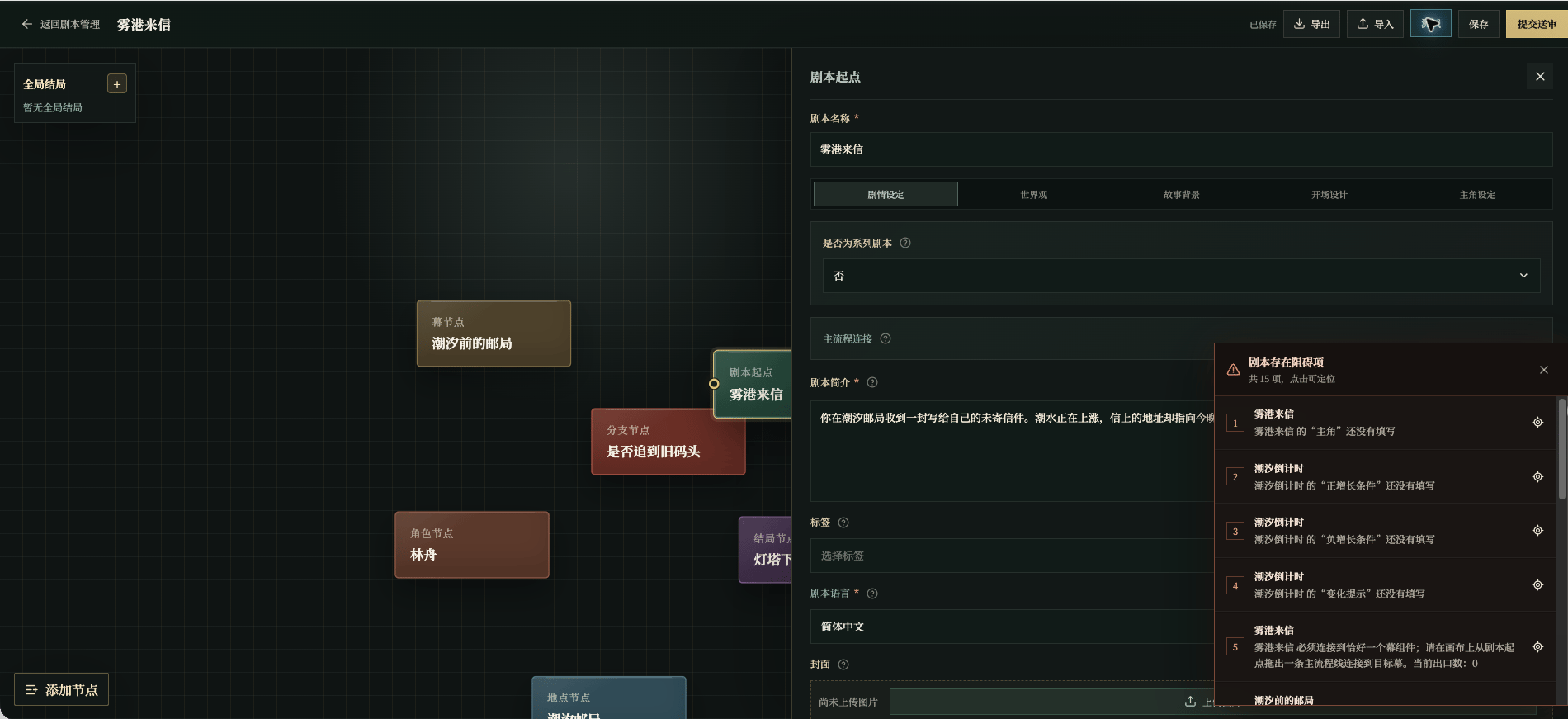
2. **Set the entry point**: title, summary, background, opening, and protagonist.
3. **Build the story** with acts, branches, characters, locations, items, clues, intelligence, status components, and endings.
4. **Save and clear blockers**: required fields, links, and relationships must be complete before a useful test.
5. **Test as a player**: read the background, send speech and actions, try the routes, and reach an ending.
6. **Revise and test again** after every meaningful change.
7. **Submit for review** with a version label.
8. **Wait for the status** to become published; submitting is not the same as publishing.
This chapter uses an invented example, **Letter from Mist Harbor**. Shen Yao receives an undelivered letter at the Tidebound Post Office, finds the salt mark on the envelope, confirms that the sender is still in the harbor, and decides whether to go to the old pier.
 ## Draft, test, review, publish
Create a draft, complete the entry point, and add at least one act. Then add only the components the story needs. The editor’s required fields and connections are the foundation for testing, not a quality score.
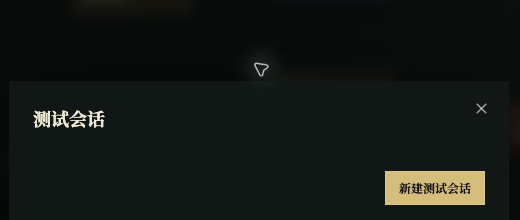
Select **Test** and then **New Test Session**. Read from the player view and check that clues appear after the right action, intelligence is not revealed too early, state changes make sense, and the ending appears only after its facts are true.
## Draft, test, review, publish
Create a draft, complete the entry point, and add at least one act. Then add only the components the story needs. The editor’s required fields and connections are the foundation for testing, not a quality score.
Select **Test** and then **New Test Session**. Read from the player view and check that clues appear after the right action, intelligence is not revealed too early, state changes make sense, and the ending appears only after its facts are true.
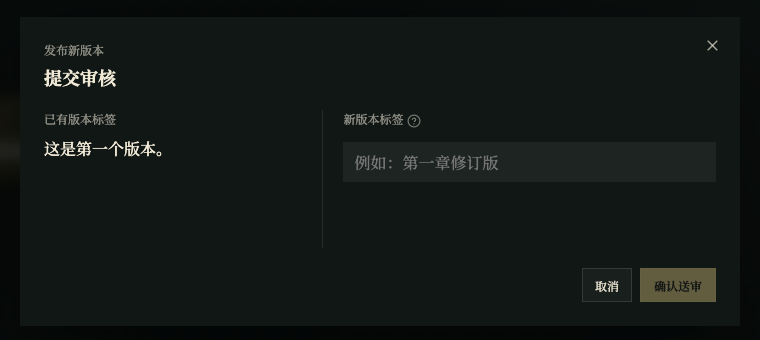
 After testing, select **Save** and confirm the saved state. Select **Submit for Review**, enter a label such as **First playable version**, and confirm. Use Script Management to track Draft, In Review, Unpublished, or Published.
 Review approval and publication are separate states. Only a Published status means players can find the version in the catalog.
Next, read [Script Editor](/en/create/editor) and then fill the nodes in the order that suits your story.
Review approval and publication are separate states. Only a Published status means players can find the version in the catalog.
Next, read [Script Editor](/en/create/editor) and then fill the nodes in the order that suits your story.