> ## Documentation Index
> Fetch the complete documentation index at: https://docs.kai-yan.com/llms.txt
> Use this file to discover all available pages before exploring further.
# Customer Service
> Find the currently available customer service contacts from Feedback.
## Open customer service
Select **Contact Us** in the top navigation to open Feedback. Then select **Add Customer Service** in the top-right corner to expand the available contacts.
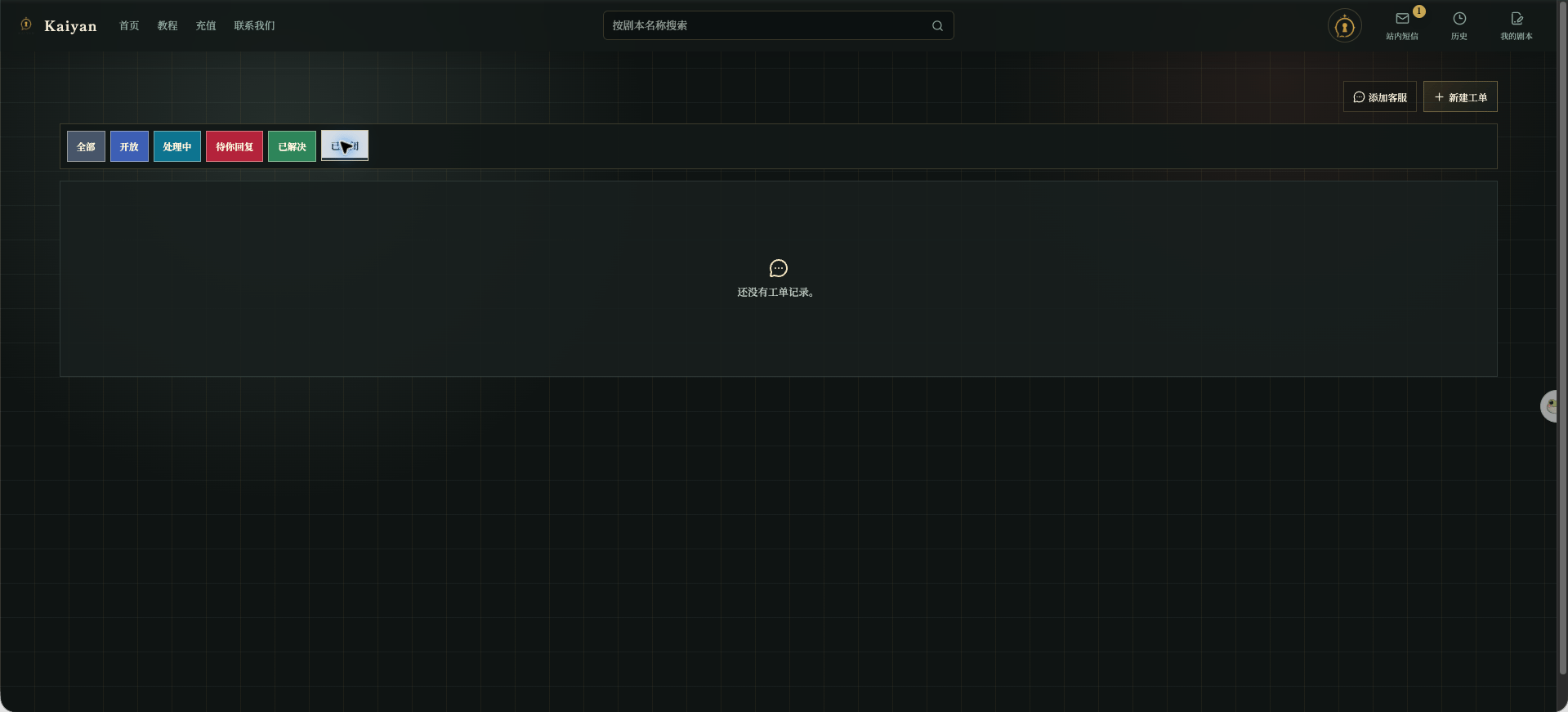
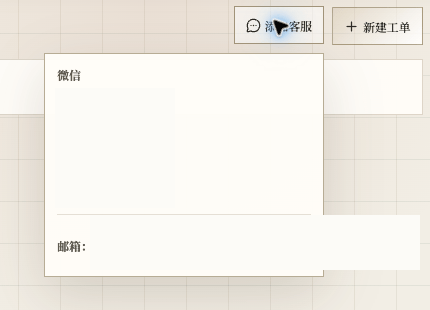 Use [New Ticket](/en/play/feedback/tickets) when you need a record, an attachment, or an ongoing conversation. Hide QR codes, email addresses, and other contact details before sharing screenshots.
## Which entry to use
* Use **Add Customer Service** when you first need to know who to contact.
* Open a ticket when you need to describe steps, attach an image, or wait for a result.
* Reply in the existing ticket instead of opening duplicates.
Use [New Ticket](/en/play/feedback/tickets) when you need a record, an attachment, or an ongoing conversation. Hide QR codes, email addresses, and other contact details before sharing screenshots.
## Which entry to use
* Use **Add Customer Service** when you first need to know who to contact.
* Open a ticket when you need to describe steps, attach an image, or wait for a result.
* Reply in the existing ticket instead of opening duplicates.