> ## Documentation Index
> Fetch the complete documentation index at: https://docs.kai-yan.com/llms.txt
> Use this file to discover all available pages before exploring further.
# New Ticket
> Submit a problem, check its status, and add more information when needed.
## Create a ticket
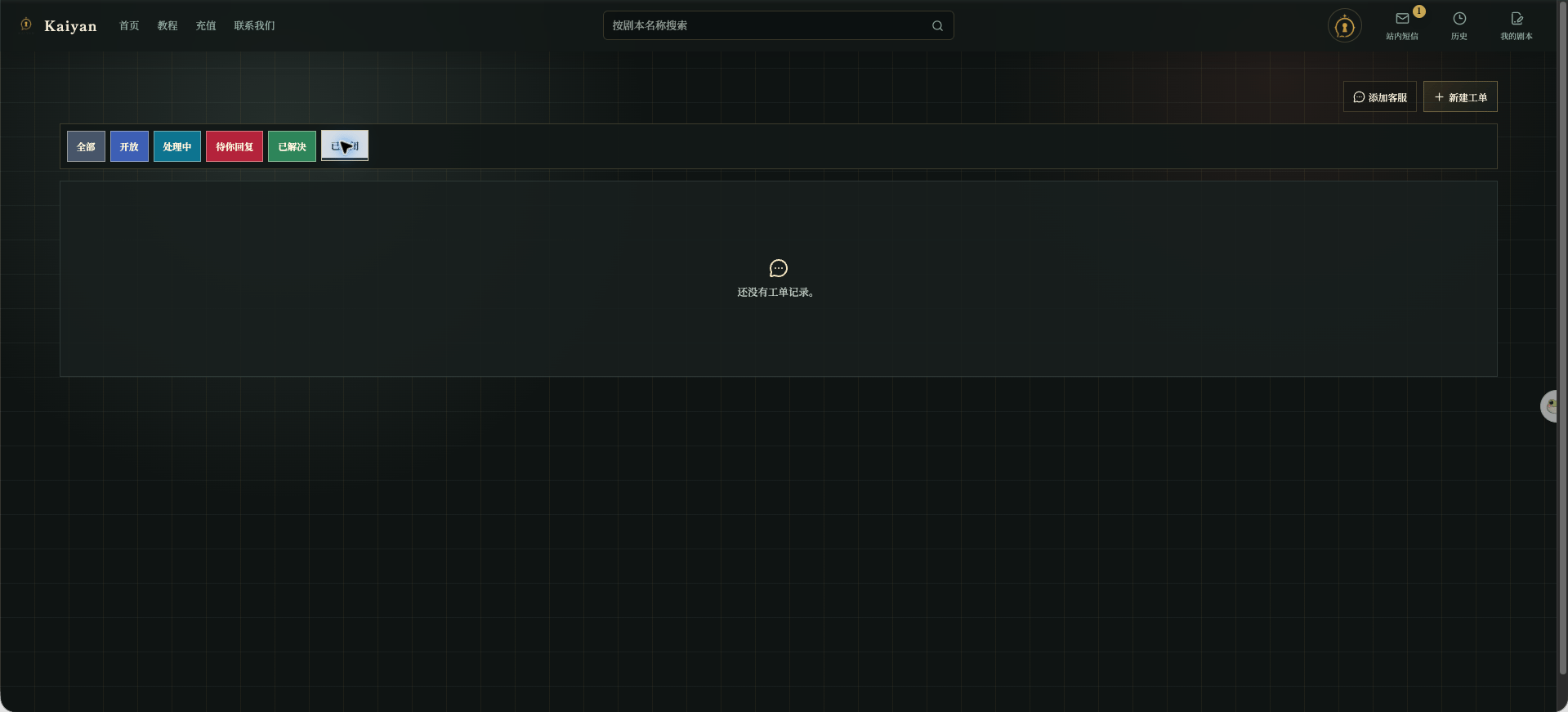
Open **Contact Us** and select **New Ticket**.
 In **Submit a Problem**, fill in:
1. **Subject**: describe the problem in one sentence.
2. **Description**: include the page, your actions, the result, and what you expected.
3. **Additional Image**: attach a useful screenshot if needed. The current page allows one PNG, JPEG, or WebP image up to 4 MB.
In **Submit a Problem**, fill in:
1. **Subject**: describe the problem in one sentence.
2. **Description**: include the page, your actions, the result, and what you expected.
3. **Additional Image**: attach a useful screenshot if needed. The current page allows one PNG, JPEG, or WebP image up to 4 MB.
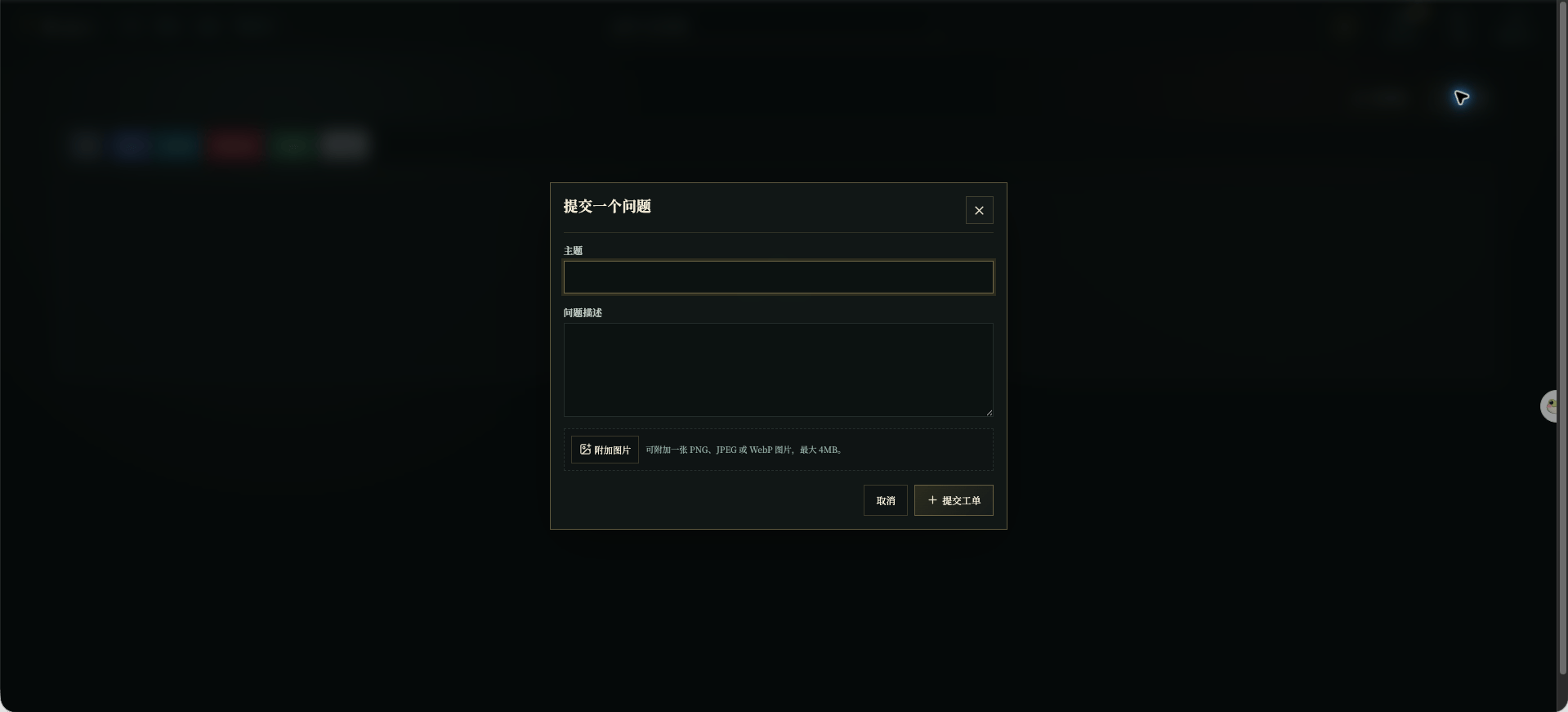 Select **Submit Ticket** when finished. Do not include passwords, exchange keys, or other private information. Before sharing an image, hide invite codes, email addresses, QR codes, and payment details.
## Check status and reply
The ticket list can be filtered by **All**, **Open**, **In Progress**, **Waiting for You**, **Resolved**, and **Closed**. Open a ticket to read its details and status.
Select **Submit Ticket** when finished. Do not include passwords, exchange keys, or other private information. Before sharing an image, hide invite codes, email addresses, QR codes, and payment details.
## Check status and reply
The ticket list can be filtered by **All**, **Open**, **In Progress**, **Waiting for You**, **Resolved**, and **Closed**. Open a ticket to read its details and status.
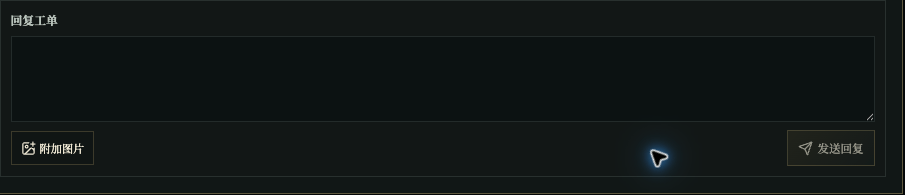 If customer service asks for more information, add it in the reply area and send it there.