> ## Documentation Index
> Fetch the complete documentation index at: https://docs.kai-yan.com/llms.txt
> Use this file to discover all available pages before exploring further.
# Follow Creators
> Open a creator profile from a script page and follow the creators you like.
## Open a creator profile
From any script details page, select the creator name. The profile shows the creator’s information, follower counts, following counts, and published scripts.
 ## Follow or unfollow
Select **Follow** in the profile area. The button changes to the followed state. Select it again to unfollow.
## Follow or unfollow
Select **Follow** in the profile area. The button changes to the followed state. Select it again to unfollow.
 Following a creator does not favorite every script they publish. Favorite an individual script from its card or details page.
## Find followed creators
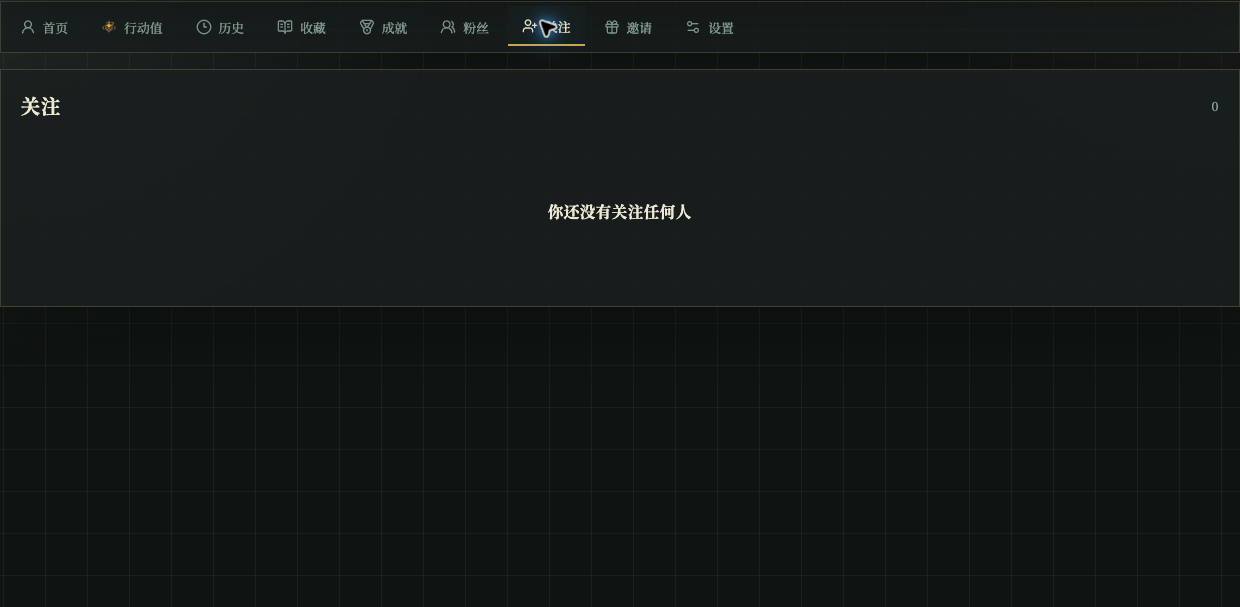
Open **Following** in your profile to see the creators you follow and manage those follows.
Following a creator does not favorite every script they publish. Favorite an individual script from its card or details page.
## Find followed creators
Open **Following** in your profile to see the creators you follow and manage those follows.