> ## Documentation Index
> Fetch the complete documentation index at: https://docs.kai-yan.com/llms.txt
> Use this file to discover all available pages before exploring further.
# Likes and Favorites
> Like a script or save it to your favorites from a card or details page.
## Use a script card
Each script card has like and favorite icons. Select the icon you want.
 Likes and favorites are separate. Select an active icon again to remove that record.
## Use the details page
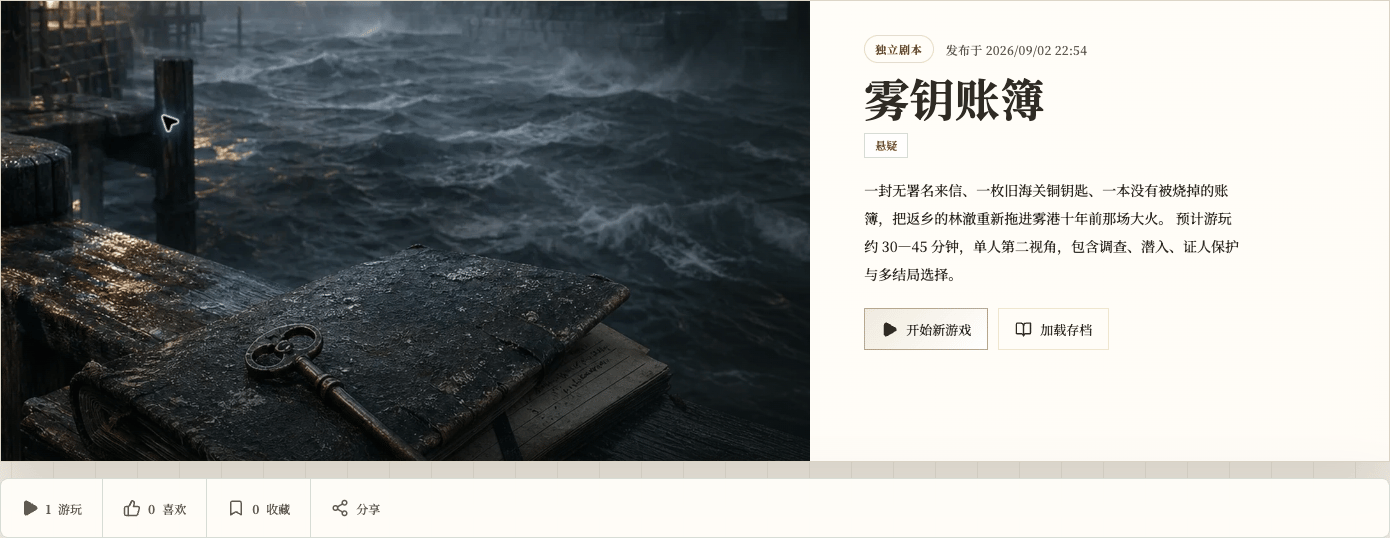
The details page has the same like and favorite actions. Both locations update the same record.
Likes and favorites are separate. Select an active icon again to remove that record.
## Use the details page
The details page has the same like and favorite actions. Both locations update the same record.
 ## Find saved scripts
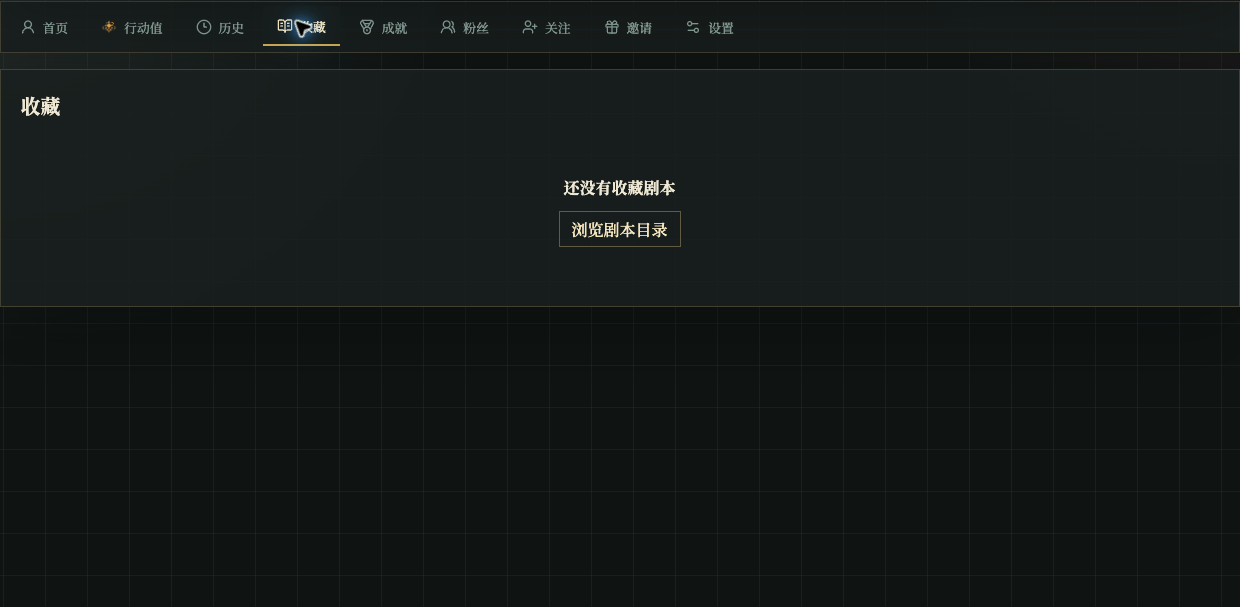
Open **Favorites** in your profile to find scripts you saved. This is a personal list, not a ranking by like count.
## Find saved scripts
Open **Favorites** in your profile to find scripts you saved. This is a personal list, not a ranking by like count.