> ## Documentation Index
> Fetch the complete documentation index at: https://docs.kai-yan.com/llms.txt
> Use this file to discover all available pages before exploring further.
# Exchange Action Value
> Check your action value and use the available claim or exchange options.
## When action value runs out
If you try to send a turn with a balance of zero, the game page shows that you cannot continue and offers **Later** or **Go to Store**.
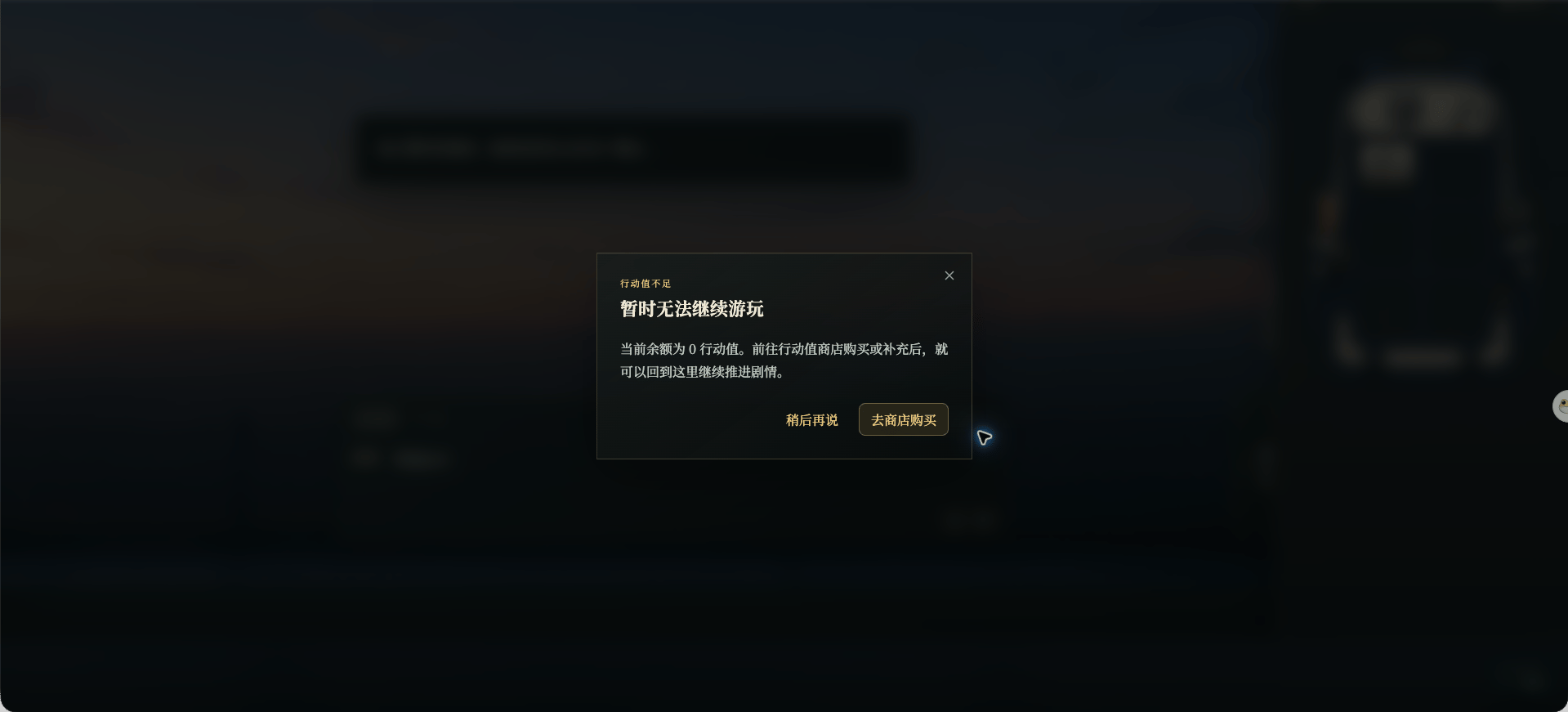 Going to the store does not delete an existing save.
## Check your balance
In **My Assets**, action value and coins are shown separately. Select **View Transactions** on the action value card to see its history.
Going to the store does not delete an existing save.
## Check your balance
In **My Assets**, action value and coins are shown separately. Select **View Transactions** on the action value card to see its history.
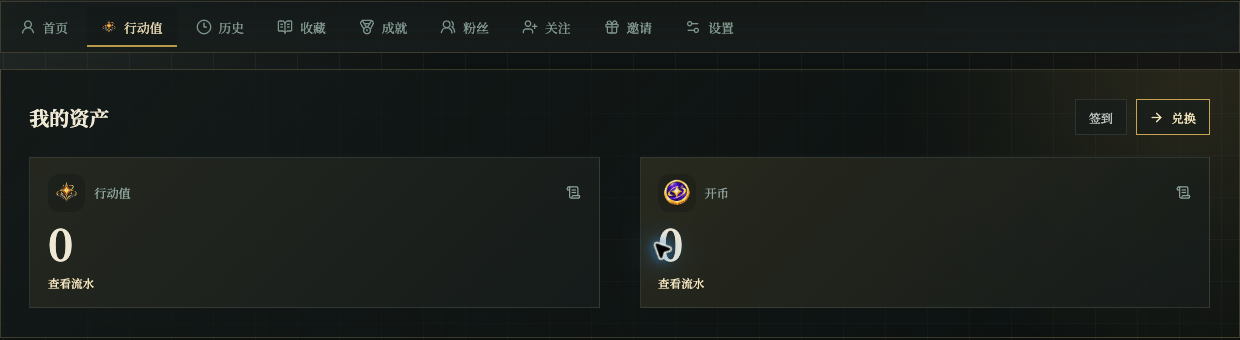 Action value is used for play. Coins are the other balance shown in recharge packages; do not treat the two numbers as the same.
## Use the page’s claim options
The page may provide **Daily Claim** and **Exchange**:
* Claim the action value shown when today’s claim is available.
* Use **Exchange** when you have an exchange key or voucher.
If the page says the daily claim is already complete, wait for the next available time shown there. For coin purchases, see [Buy Coins](/en/play/recharge/coins).
## Review transactions
Check the time, change amount, and resulting balance. If the balance is not what you expect, keep the transaction record and contact [Customer Service](/en/play/feedback/contact-service) or open a ticket.
Action value is used for play. Coins are the other balance shown in recharge packages; do not treat the two numbers as the same.
## Use the page’s claim options
The page may provide **Daily Claim** and **Exchange**:
* Claim the action value shown when today’s claim is available.
* Use **Exchange** when you have an exchange key or voucher.
If the page says the daily claim is already complete, wait for the next available time shown there. For coin purchases, see [Buy Coins](/en/play/recharge/coins).
## Review transactions
Check the time, change amount, and resulting balance. If the balance is not what you expect, keep the transaction record and contact [Customer Service](/en/play/feedback/contact-service) or open a ticket.