> ## Documentation Index
> Fetch the complete documentation index at: https://docs.kai-yan.com/llms.txt
> Use this file to discover all available pages before exploring further.
# Game Menu
> Review characters, locations, logs, intelligence, and clues while playing.
## Open the menu
On the game page, select the round menu button in the right status area. The menu opens over the story; close it to return to the same place.
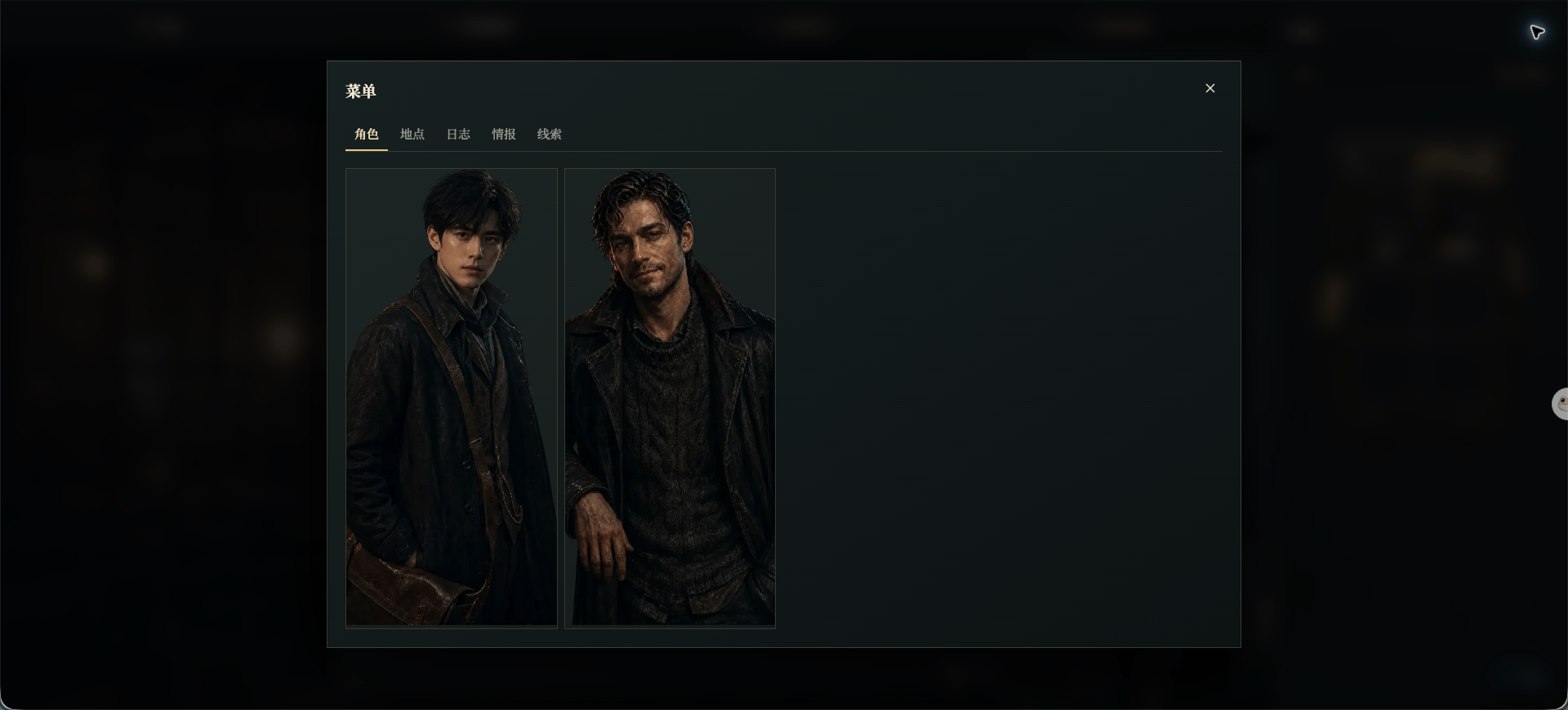 ## The five sections
* **Characters** shows people who have appeared and information you have unlocked.
* **Locations** lists places you have visited or discovered.
* **Logs** lets you reread earlier story content.
* **Intelligence** collects confirmed information.
* **Clues** collects evidence you have discovered.
The menu only reviews information already found. It does not make a choice or advance the story for you.
## When to use it
Open **Characters** when you forget who someone is, **Locations** when you lose track of the setting, and **Logs** when you want to reread the previous turn. Use **Intelligence** and **Clues** to organize an investigation.
The top bar also provides direct access to logs and location, a display mode switch, and **Exit Game**.
## The five sections
* **Characters** shows people who have appeared and information you have unlocked.
* **Locations** lists places you have visited or discovered.
* **Logs** lets you reread earlier story content.
* **Intelligence** collects confirmed information.
* **Clues** collects evidence you have discovered.
The menu only reviews information already found. It does not make a choice or advance the story for you.
## When to use it
Open **Characters** when you forget who someone is, **Locations** when you lose track of the setting, and **Logs** when you want to reread the previous turn. Use **Intelligence** and **Clues** to organize an investigation.
The top bar also provides direct access to logs and location, a display mode switch, and **Exit Game**.