
Open a creator profile
From any script details page, select the creator name. The profile shows the creator’s information, follower counts, following counts, and published scripts.
Chinese UI screenshot: creator profile
Follow or unfollow
Select Follow in the profile area. The button changes to the followed state. Select it again to unfollow.
Chinese UI screenshot: followed creator state
Find followed creators
Open Following in your profile to see the creators you follow and manage those follows.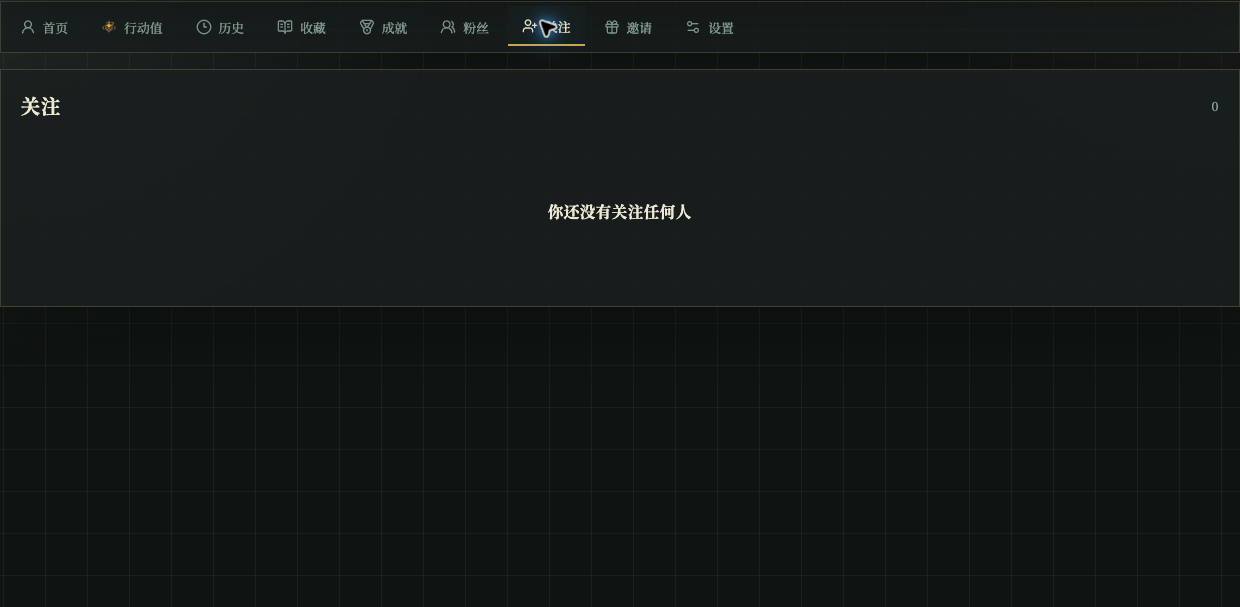
Chinese UI screenshot: following list