
Use a script card
Each script card has like and favorite icons. Select the icon you want.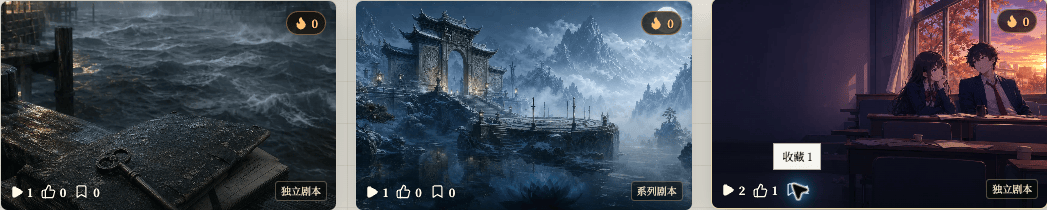
Chinese UI screenshot: card interaction buttons
Use the details page
The details page has the same like and favorite actions. Both locations update the same record.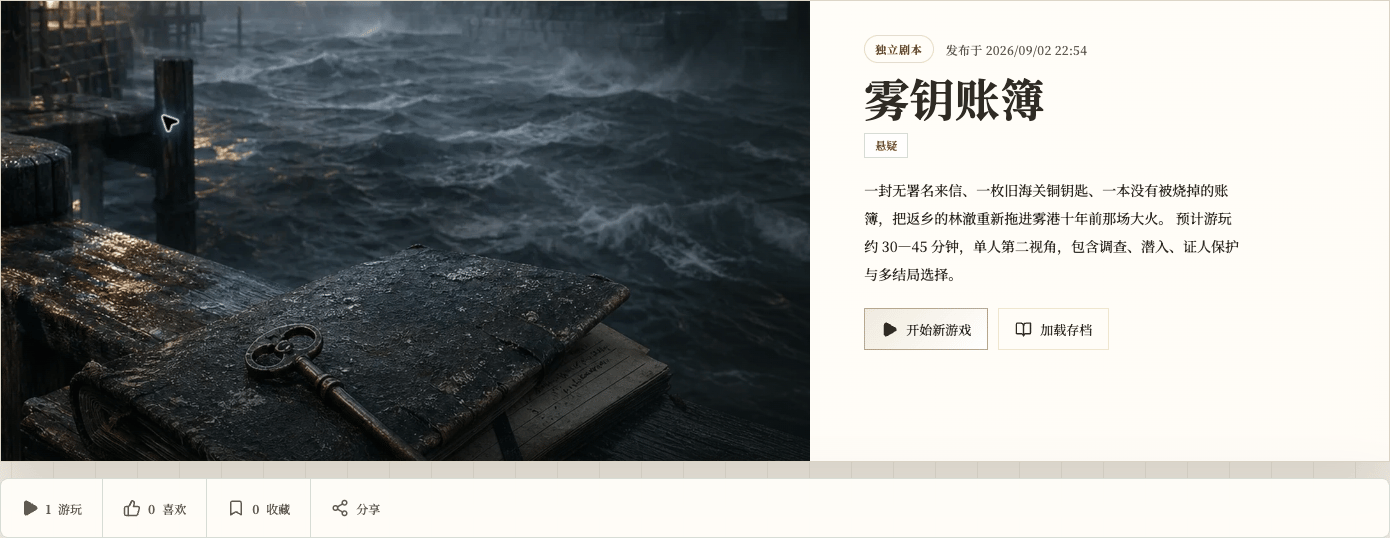
Chinese UI screenshot: details page interactions
Find saved scripts
Open Favorites in your profile to find scripts you saved. This is a personal list, not a ranking by like count.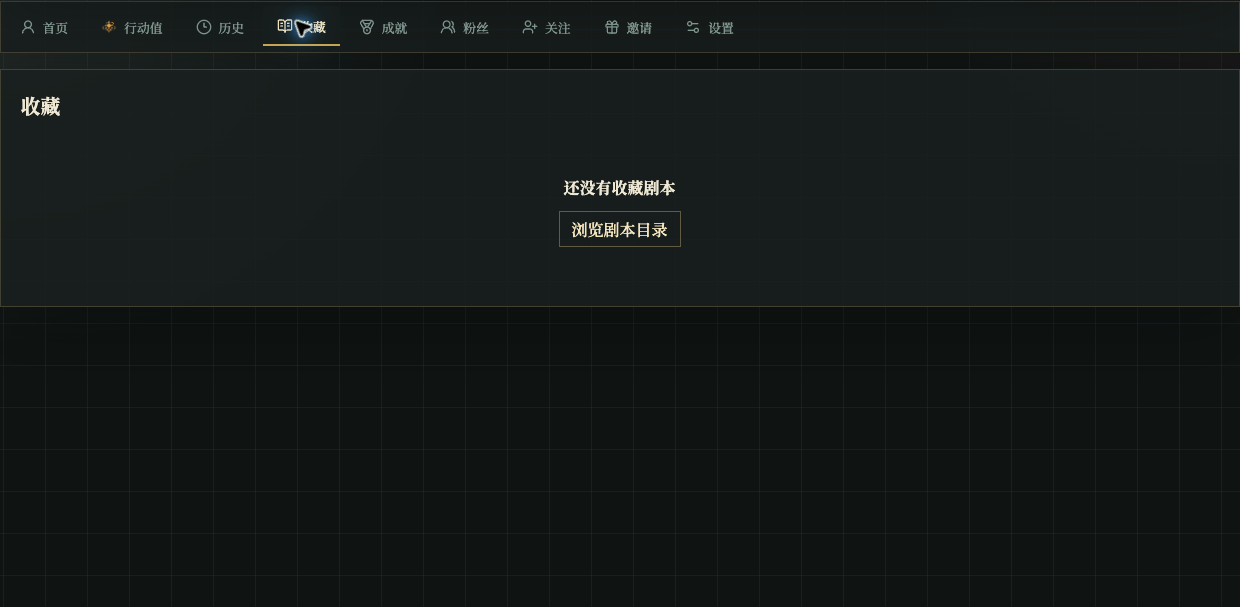
Chinese UI screenshot: favorites page