
Open customer service
Select Contact Us in the top navigation to open Feedback. Then select Add Customer Service in the top-right corner to expand the available contacts.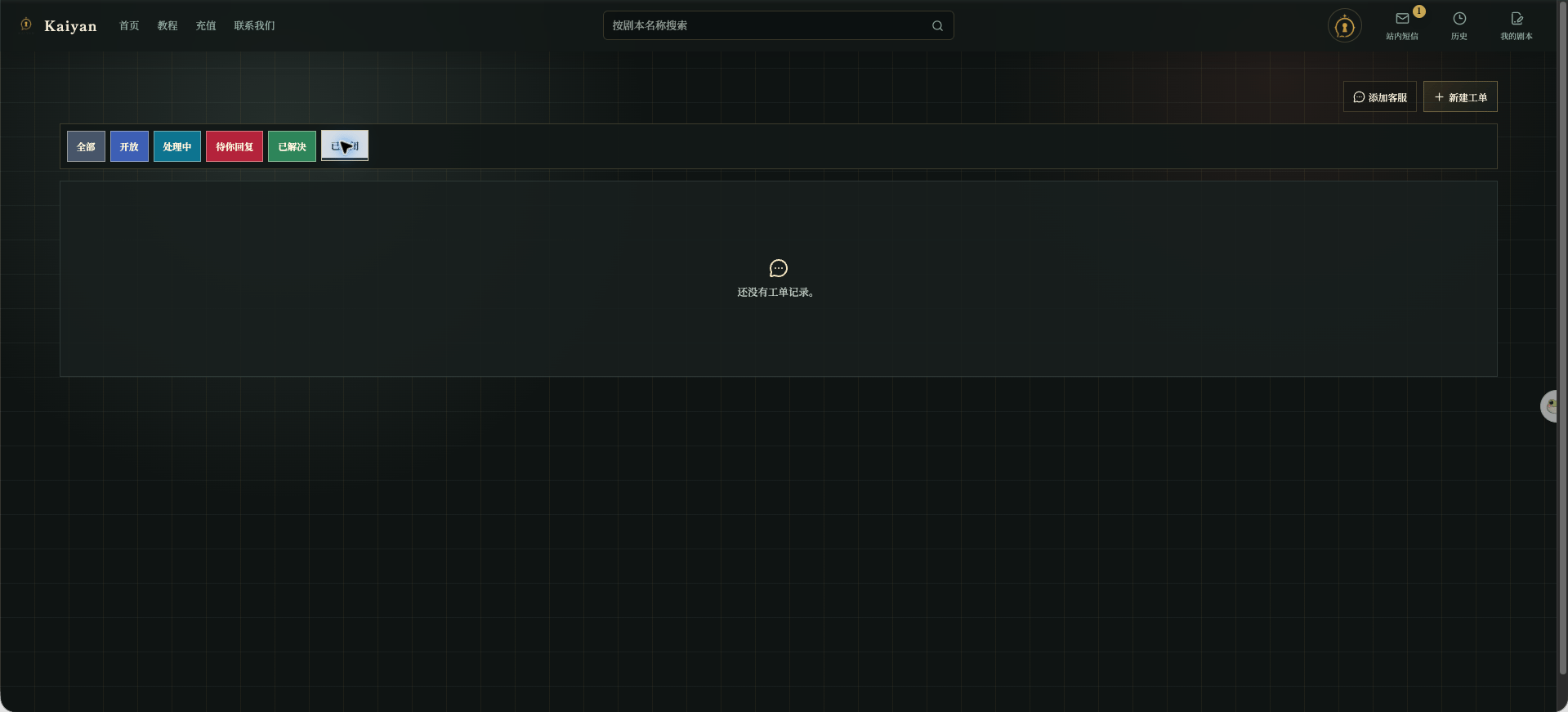
Chinese UI screenshot: customer service entry
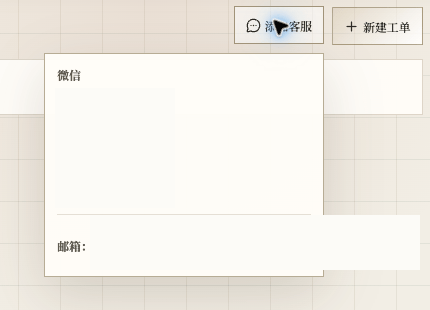
Chinese UI screenshot: expanded contacts
Which entry to use
- Use Add Customer Service when you first need to know who to contact.
- Open a ticket when you need to describe steps, attach an image, or wait for a result.
- Reply in the existing ticket instead of opening duplicates.