
Open Invite
From your profile, select Invite. The page shows your own code and copy button on one side, plus invite statistics and a field for binding a friend’s code on the other.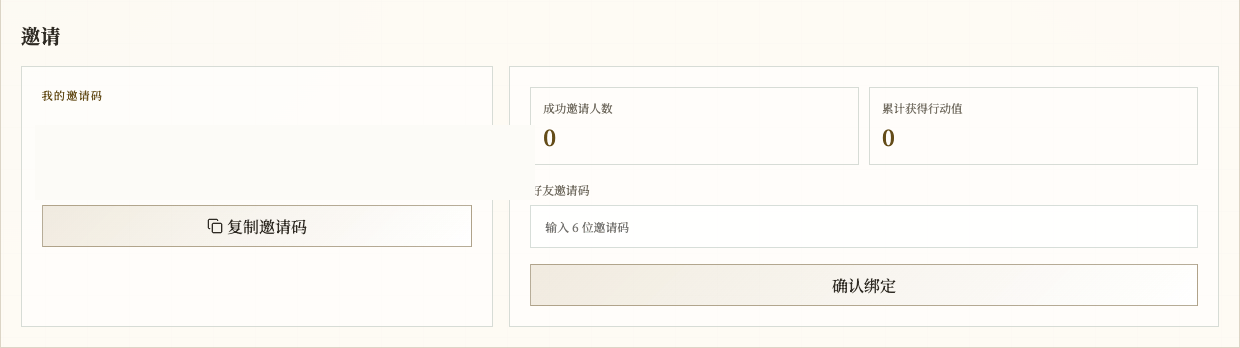
Chinese UI screenshot: full invite page
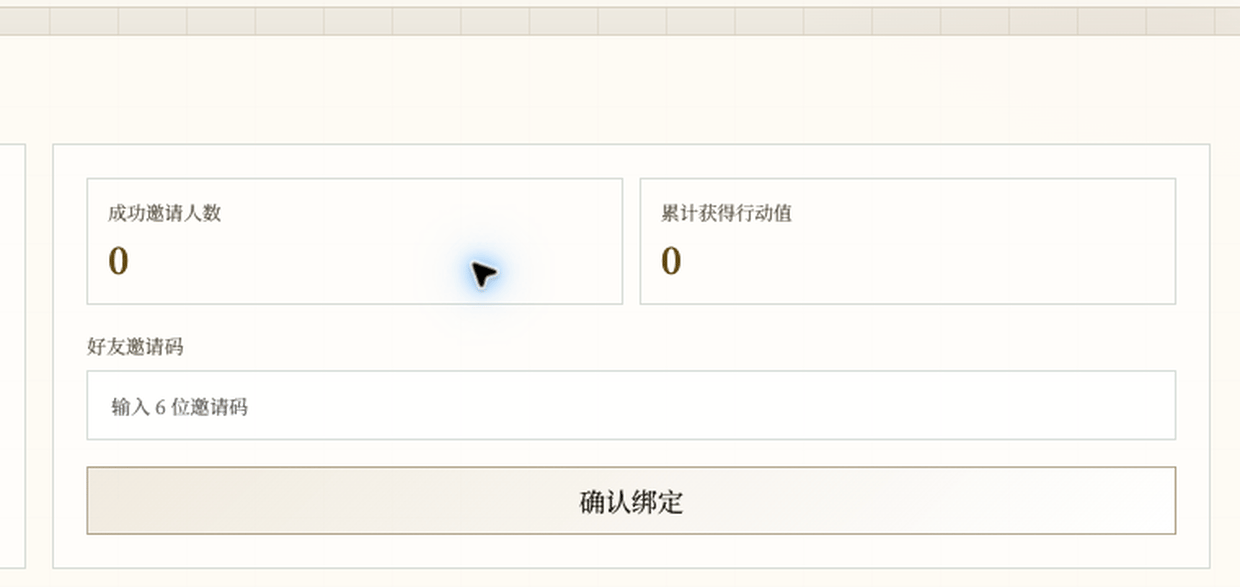
Chinese UI screenshot: binding area
Invite a friend
Select Copy Invite Code and send the code to your friend. They bind it from their own account; never send your account password with it. Successful invite count and earned action value are result statistics, not fields you type yourself.Bind a friend’s code
- Enter the other person’s code in Friend Invite Code.
- Select Confirm Bind.
- Follow the page message to confirm the result.