
The complete path
Use this order when creating a script: This chapter uses an invented example, Letter from Mist Harbor: Shen Yao receives an undelivered letter at the Tidebound Post Office, finds the salt mark on the envelope, confirms that the sender is still in the harbor, and decides whether to go to the old pier. Treat it as a practice sample; you do not need to reuse the name or story in your own work.- Create a draft from Script Management and select New Script.
- Set the entry point: complete the Script Entry with the title, summary, background, opening, and protagonist.
- Build the story: open the Script Editor and add acts, branches, characters, locations, items, clues, intelligence, status components, and endings, then connect them to express the story.
- Save and clear blockers: select Save and confirm the saved state. The editor lists required fields, missing connections, and unbound relationships as blockers; see Required Fields and Blockers for the list.
- Test as a player: select Test, create a new test session, and walk through the opening, input, branches, state changes, and ending from the player page.
- Revise and test again: when text, conditions, or routes are wrong, fix and save in the editor, then test again.
- Submit for review: select Submit for Review, enter a version label, and confirm.
- Wait for the status: the work enters In Review. Only approval produces a publishable version; submitting is not the same as publishing.
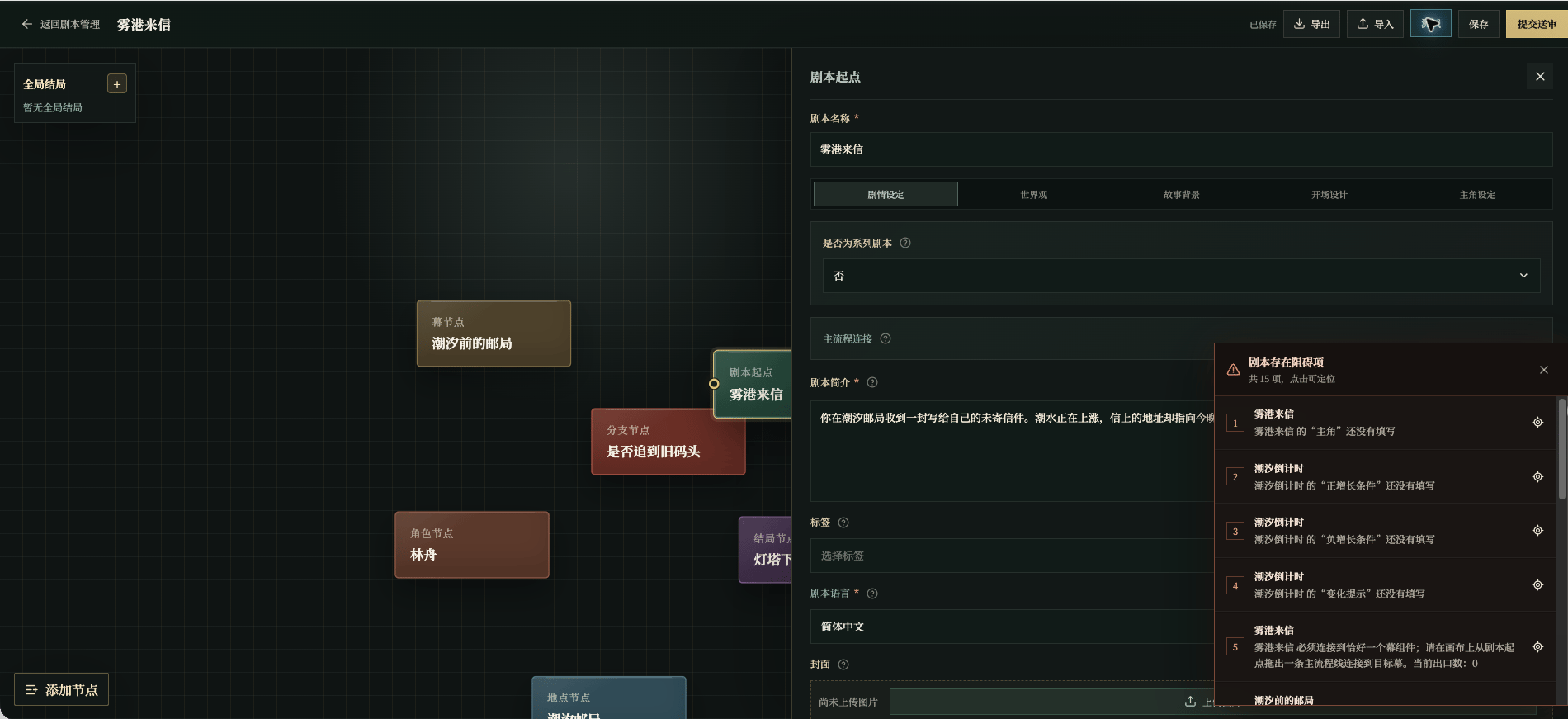
Chinese UI screenshot: blockers before testing
Draft, test, review, publish
1. Create a draft
Select New Script on the management page to create a draft that belongs only to you. A draft can start with just a Script Entry and grow node by node; you do not have to write everything at once.2. Complete the entry, then build the story
The Script Entry introduces the work, while acts and other nodes make the story run. The recommended order is to write the summary, story background, and opening first, then add at least one act, and afterwards add characters, locations, clues, intelligence, status components, branches, and endings as needed. The editor’s required fields and connections are the foundation for testing, not a quality score. Complete the structure first, then observe what the player actually sees in a test. Covers, scene images, portraits, item images, and ending images have fixed size, format, and transparency rules, documented in the image section of each node page.3. Test from the player’s view
Select Test and then New Test Session. Read from the story background and send speech and actions like a normal player instead of only checking the canvas. Watch for:- Whether the opening text connects naturally to the background;
- Whether the player knows where they are and what they can do;
- Whether clues appear after the right action;
- Whether intelligence is revealed only after the evidence appears;
- Whether state changes come with understandable text or behavior;
- Whether the ending appears only after its expected facts are true.
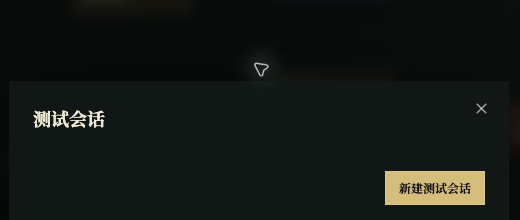
Chinese UI screenshot: test session dialog
4. Revise, save, test again
After a test reveals a problem, return to the editor and fix the node. Save after every change, confirm the top status shows saved, and then start the next test round. Do not treat “the canvas looks connected” as a passing test; walk the result from the player page.5. Submit for review
When the test result is confirmed, select Submit for Review. The dialog shows existing version labels and asks for a new version label that lets you tell this submission apart later, such as “first version” or “chapter one revision”. Confirming sends the work into review.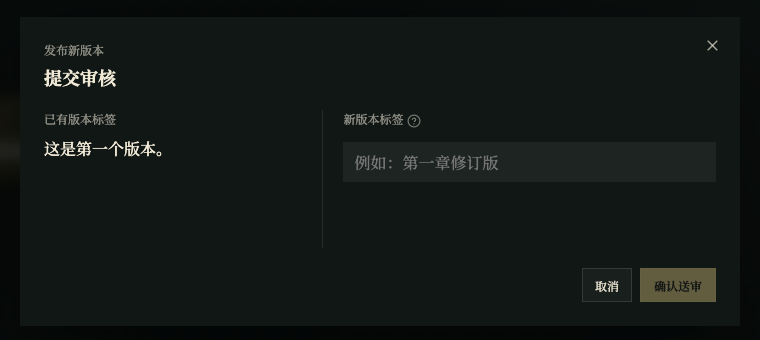
Chinese UI screenshot: submit for review