
Three areas
- Canvas holds nodes and connections.
- Node Library opens from Add Node and contains the story components.
- Field Panel opens when you select a node and contains its content and relationships.
The running example
All node examples in this guide belong to the invented script Letter from Mist Harbor: Shen Yao receives an undelivered letter at the Tidebound Post Office. Lin Zhou, the night clerk, knows part of the story. The salt mark is a clue; “the sender has not left the harbor” is intelligence; the tide timer creates pressure.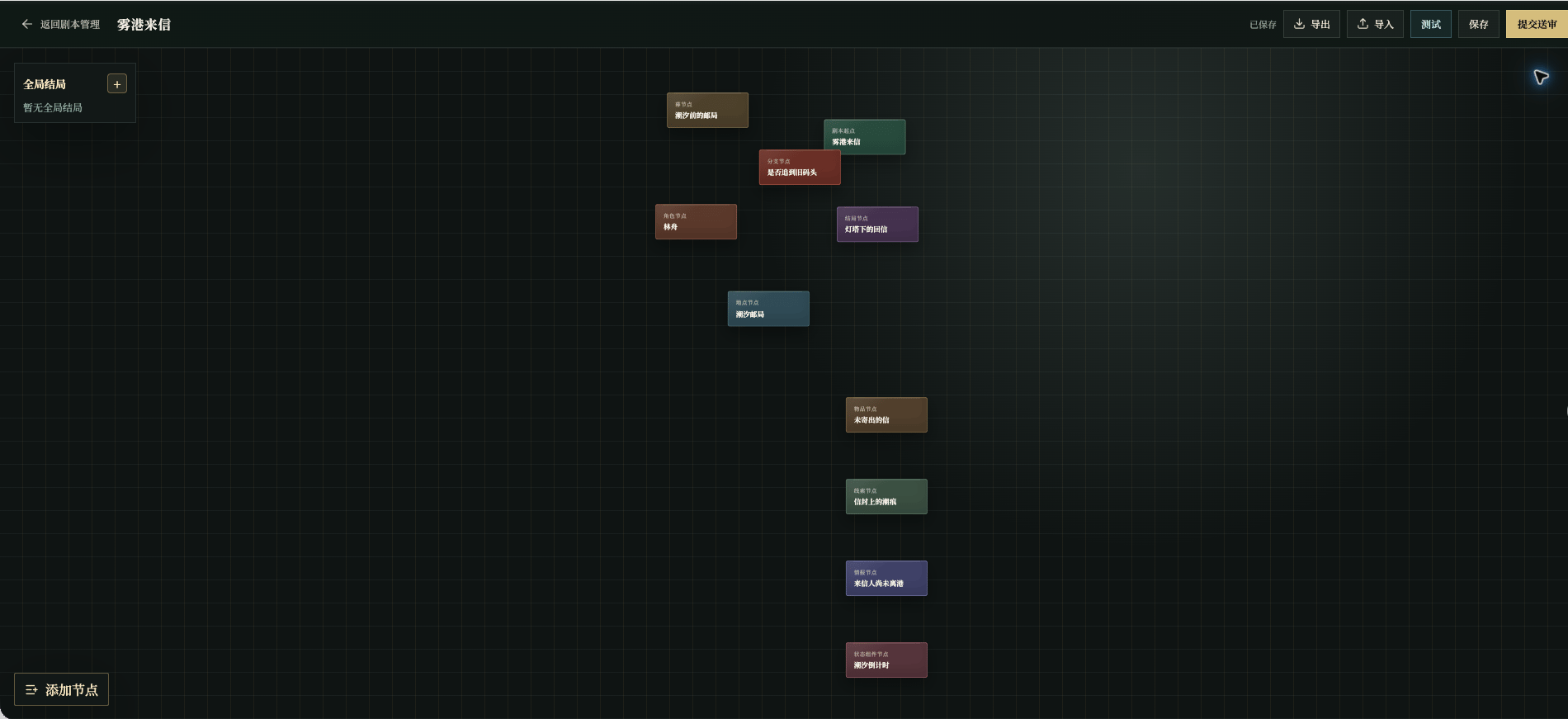
Chinese UI screenshot: filled example editor canvas
Visibility colors
Canvas card colors identify node types. The field label color carries the visibility cue:
The current page uses text color as the cue; a permanent badge is not guaranteed beside every field. A gold field is not necessarily shown every turn, and a background rule can still change what the player experiences.
For example, Salt mark on the envelope is visible evidence and belongs in the clue content. Allow the old-pier route only after the clue is found is a background rule.
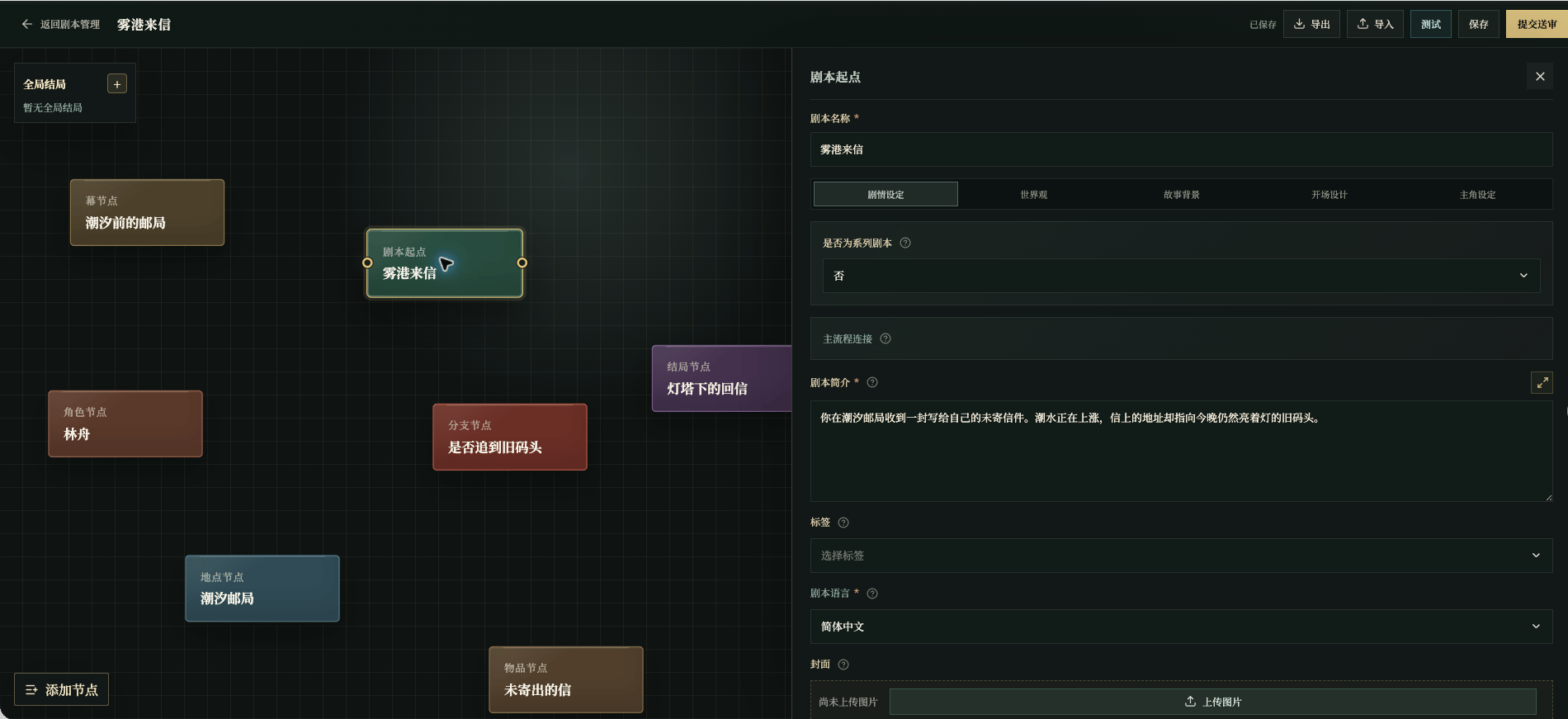
Chinese UI screenshot: field visibility colors in the entry panel
Import and export
- Export saves the current draft’s editor content to a file for backup or for moving to another draft;
- Import writes a file back into the current draft. If there are unsaved changes, the editor first warns that they will be overwritten; fields, components, or image references incompatible with the current version are skipped, and the import reports what was ignored.
A useful editing order
Select the correct node, fill required fields, decide whether each sentence is for the player or for story control, bind relationships, and save before moving on. After writing, check the player-facing page rather than judging the canvas alone.Don’t mix four kinds of content
- Player-visible text should read like story, hints, or reference, not author notes;
- Background rules should state facts, boundaries, and conditions, not “write a great scene”;
- Flow relationships should express who connects to whom, in which act, and when something is revealed;
- State changes should describe observable consequences, not just “the value went up.”