
Create a ticket
Open Contact Us and select New Ticket.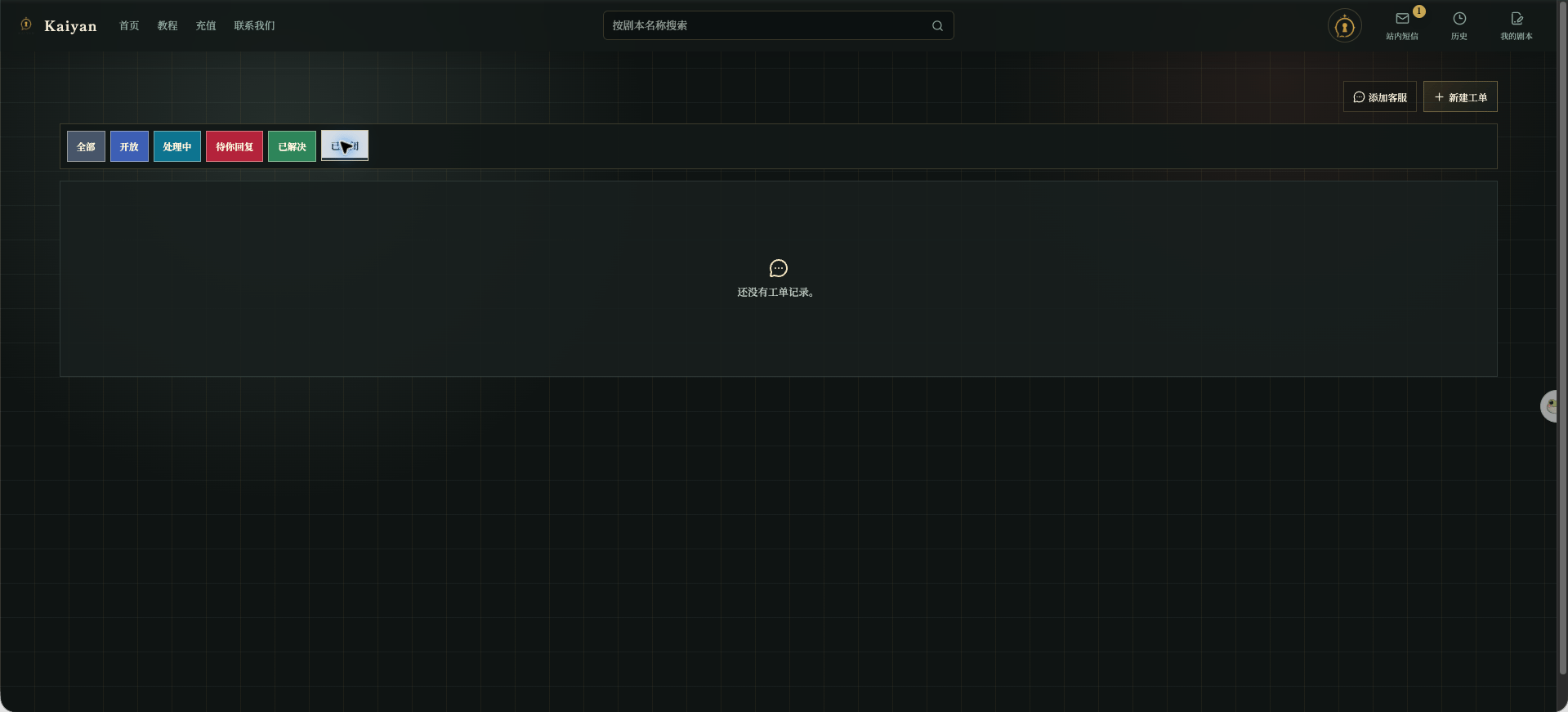
Chinese UI screenshot: Feedback page
- Subject: describe the problem in one sentence.
- Description: include the page, your actions, the result, and what you expected.
- Additional Image: attach a useful screenshot if needed. The current page allows one PNG, JPEG, or WebP image up to 4 MB.
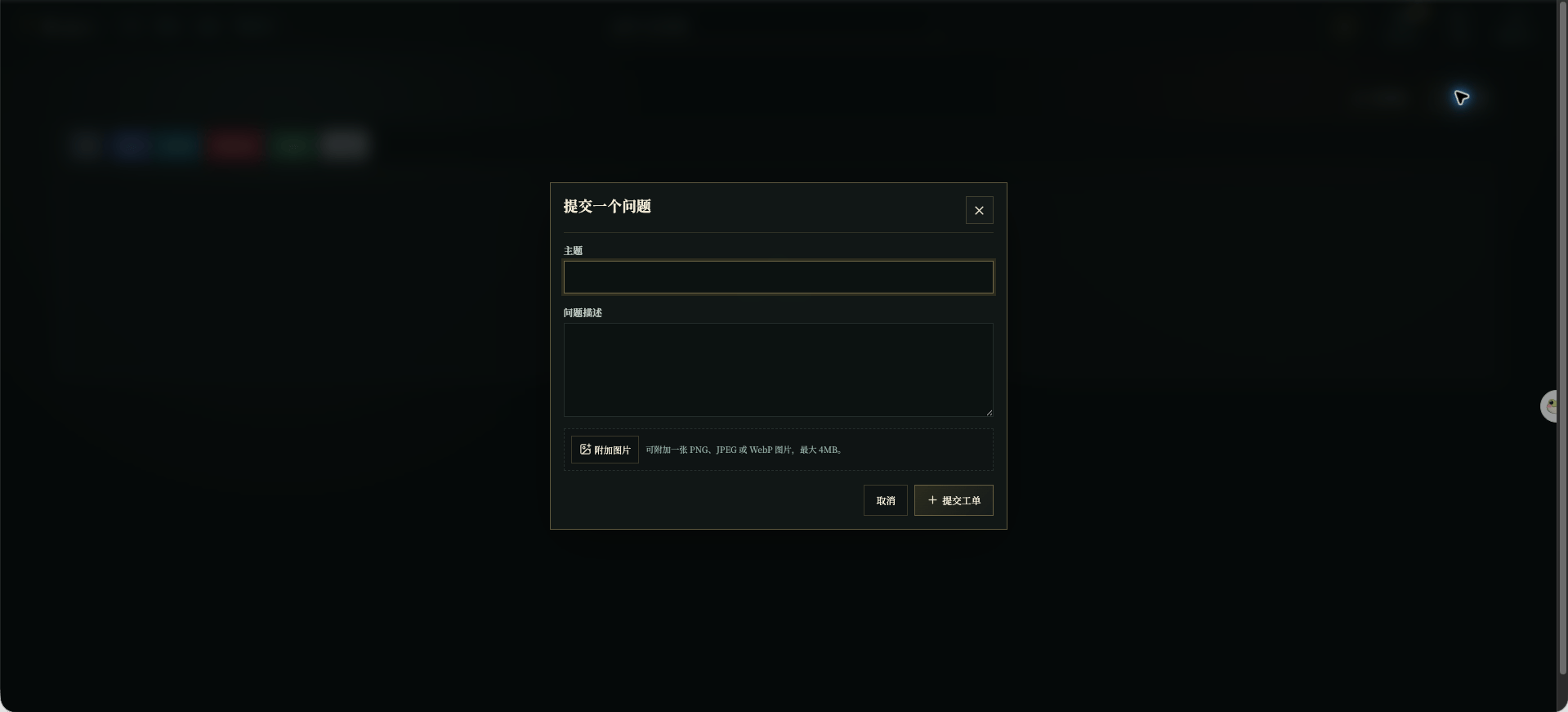
Chinese UI screenshot: new ticket form
Check status and reply
The ticket list can be filtered by All, Open, In Progress, Waiting for You, Resolved, and Closed. Open a ticket to read its details and status.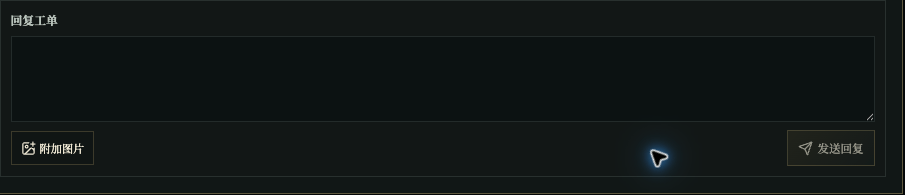
Chinese UI screenshot: ticket reply area