
Open your profile
Select the profile entry in the top-right corner. The overview shows follows, followers, action value, coins, and the profile tabs.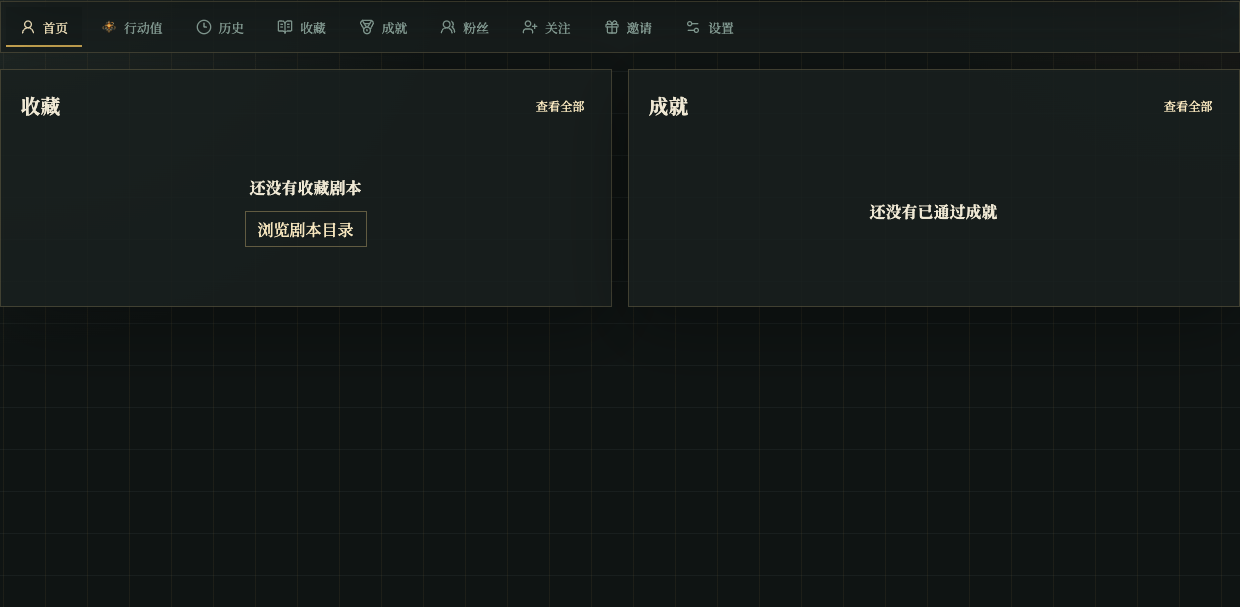
Chinese UI screenshot: profile home
What each tab is for
- Home: overview, favorites, and achievements.
- Action Value: balance, transactions, and recharge.
- History: stories you played recently.
- Favorites: scripts you saved.
- Achievements: achievements you earned.
- Followers: people who follow you.
- Following: creators you follow.
- Invite: copy or bind invite codes.
- Settings: theme and default model.
Useful tabs
Use History to find a story and return to its details page to load a save.
Chinese UI screenshot: play history
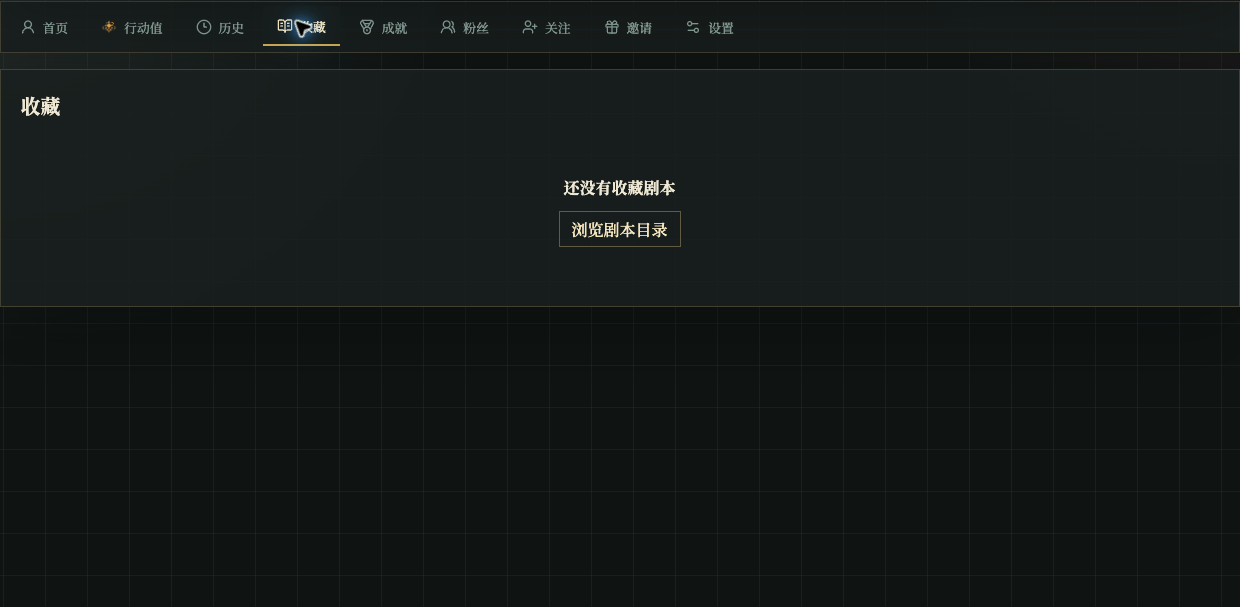
Chinese UI screenshot: favorites
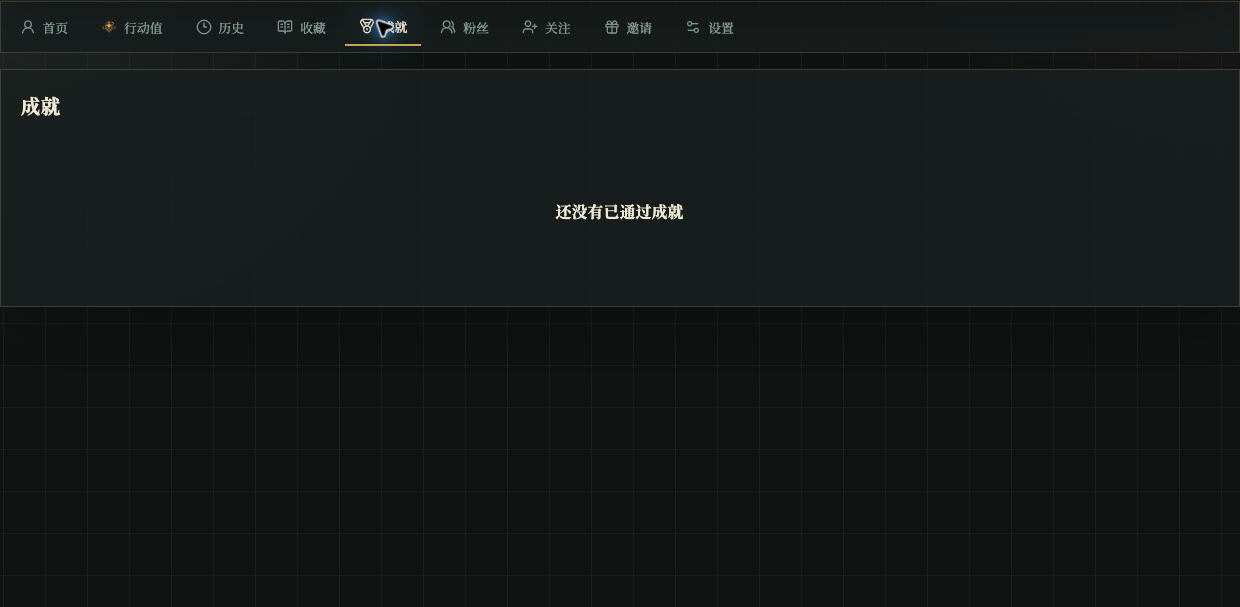
Chinese UI screenshot: achievements
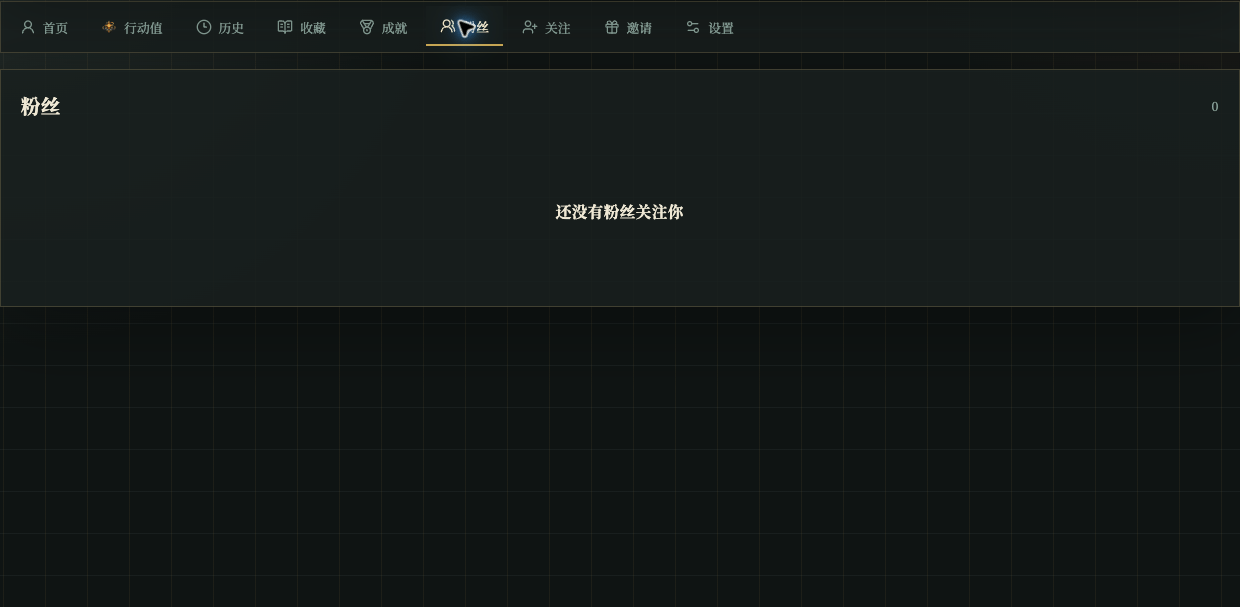
Chinese UI screenshot: followers