
When action value runs out
If you try to send a turn with a balance of zero, the game page shows that you cannot continue and offers Later or Go to Store.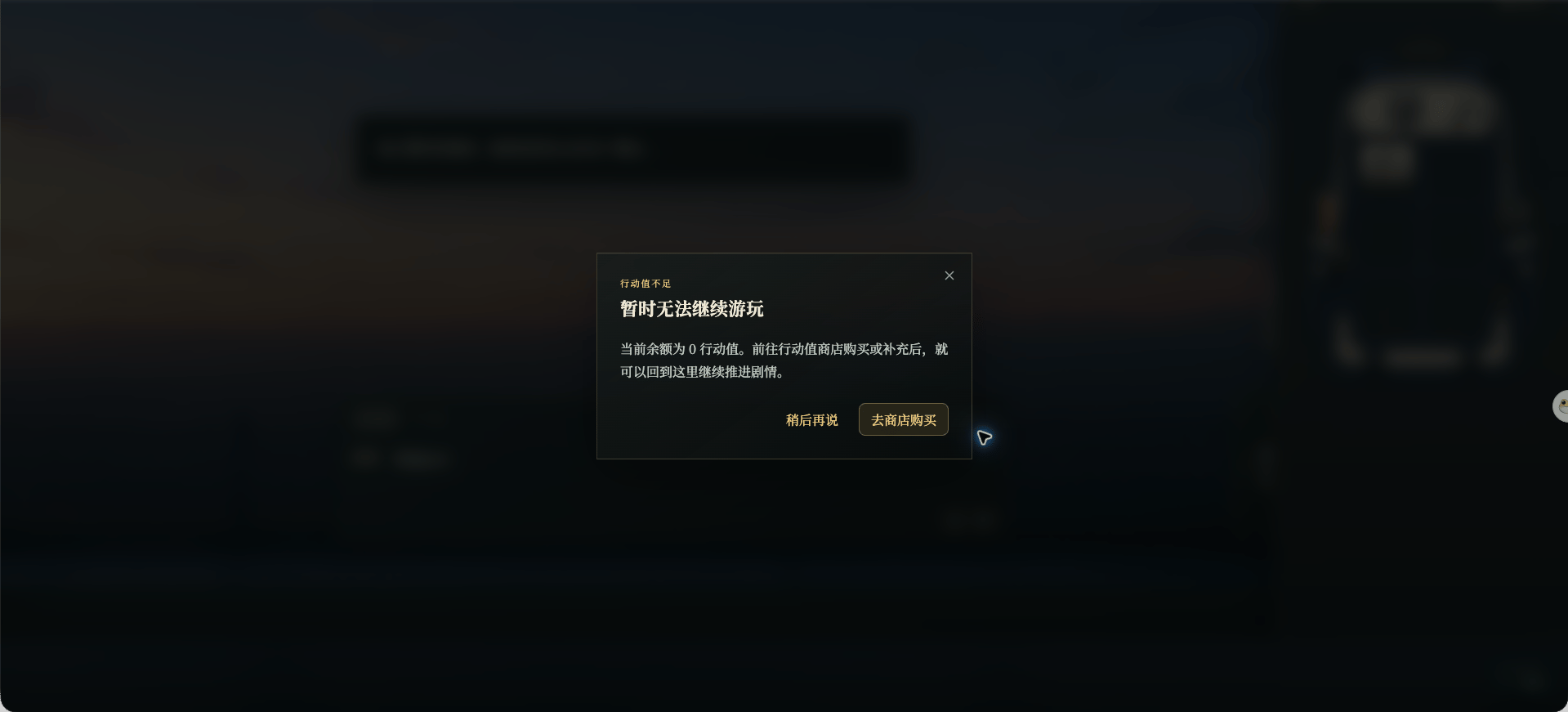
Chinese UI screenshot: action value shortage prompt
Check your balance
In My Assets, action value and coins are shown separately. Select View Transactions on the action value card to see its history.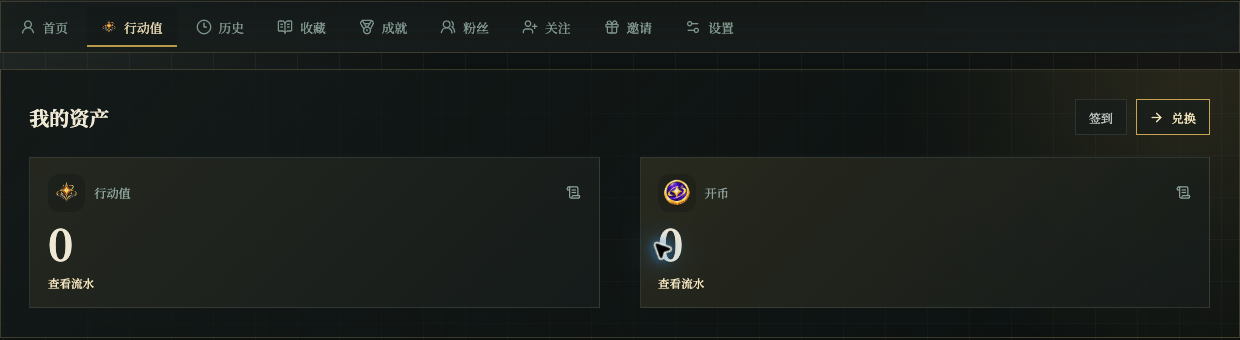
Chinese UI screenshot: assets section
Use the page’s claim options
The page may provide Daily Claim and Exchange:- Claim the action value shown when today’s claim is available.
- Use Exchange when you have an exchange key or voucher.