
Open the menu
On the game page, select the round menu button in the right status area. The menu opens over the story; close it to return to the same place.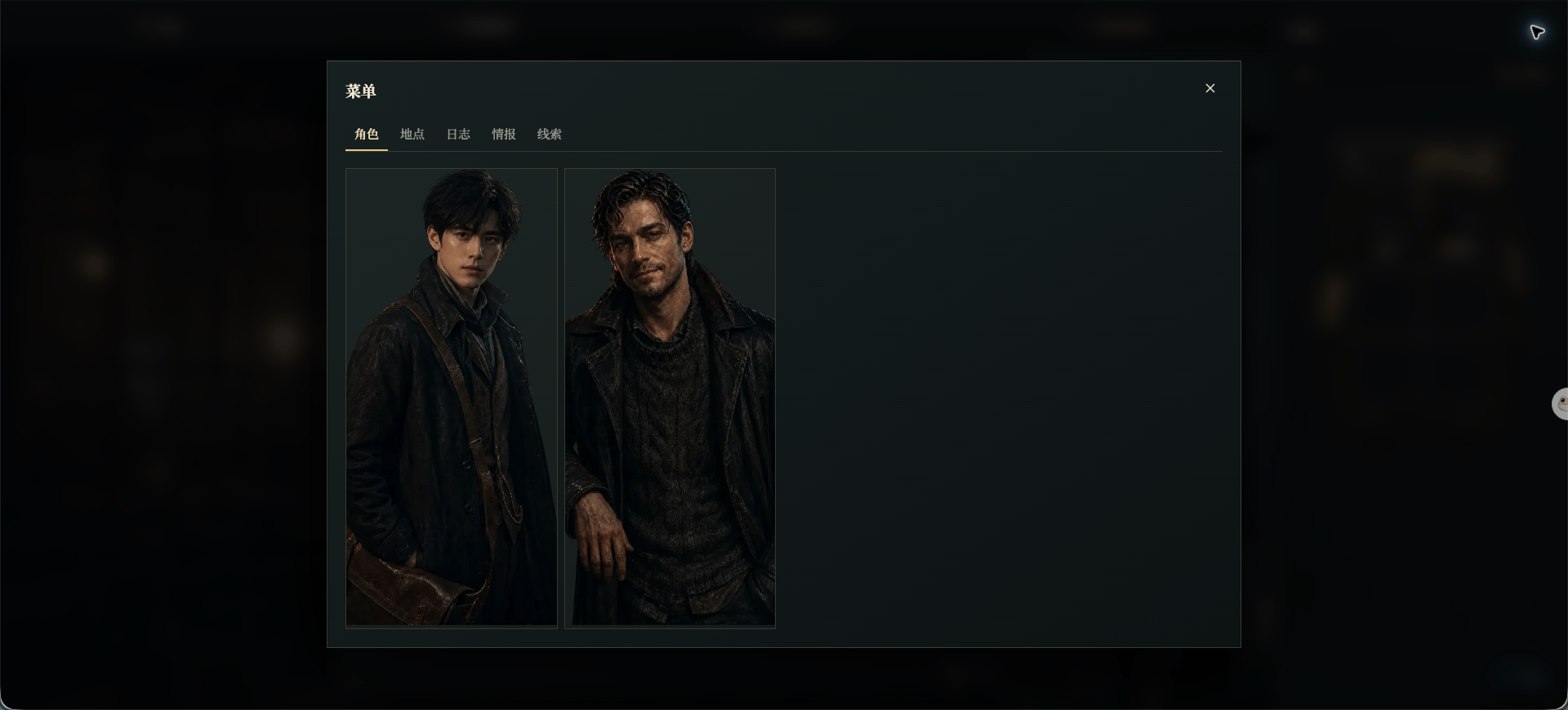
Chinese UI screenshot: game menu
The five sections
- Characters shows people who have appeared and information you have unlocked.
- Locations lists places you have visited or discovered.
- Logs lets you reread earlier story content.
- Intelligence collects confirmed information.
- Clues collects evidence you have discovered.